Define the service first
Which kitchen, meal and guest count are you planning for? We use this daily framework to define the demo and starting scope.
- Service areas and meals
- Expected guest counts
- Team responsible for starting
How it works
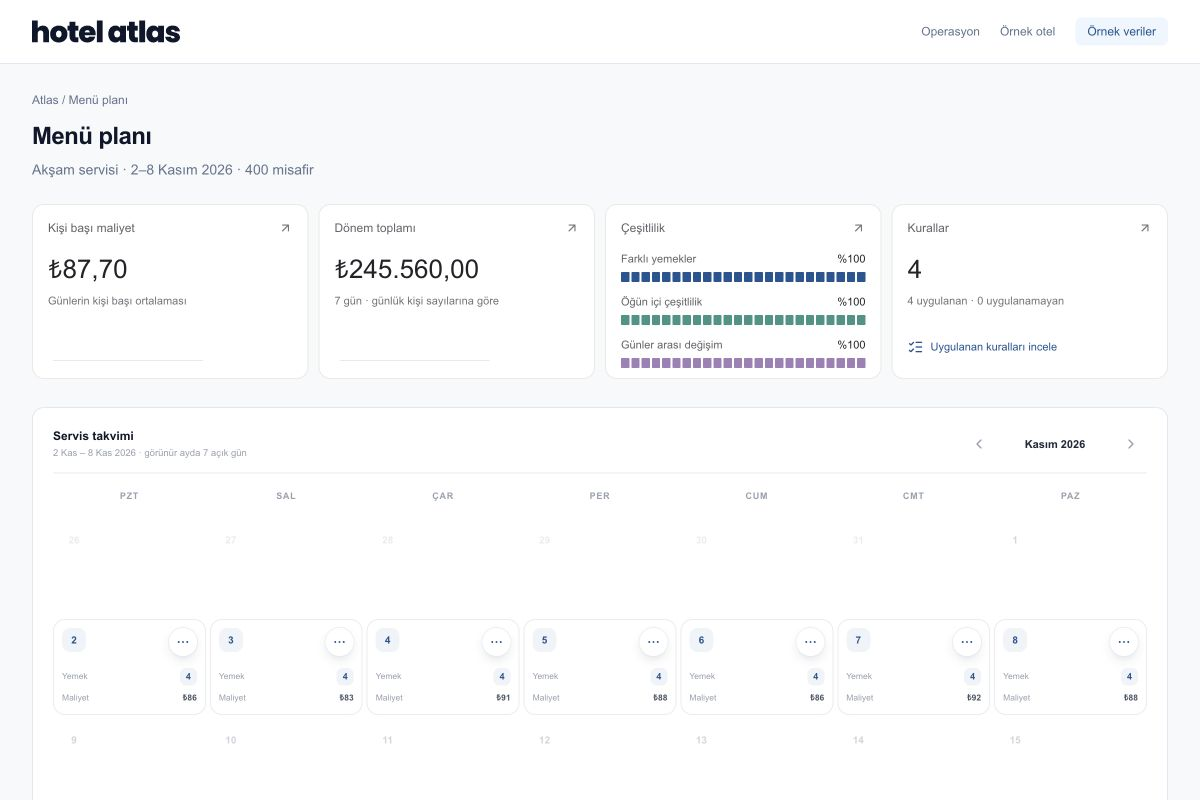
The Atlas workflow starts with a menu. Ingredient needs, stock, purchasing and waste records gain meaning in the same service context. Team review stays part of every step.
Choose a step to see the inputs, the review and the handoff to the next stage.
STEP 01
Bring dishes, recipes, service dates and expected guest counts together.
WITHIN THE OPERATION
Which kitchen, meal and guest count are you planning for? We use this daily framework to define the demo and starting scope.
Review dish names, ingredients, units and portions. Keep missing prices or uncertain units visible within the calculation.
See recipes through productionCompare planned quantities with available stock. Clarify who reviews purchasing, preparation and records.
See team responsibilitiesReview post-service records knowing the dish and preparation quantity. Your team’s observations inform the discussion of the next plan.
Follow records through reviewSTART TOGETHER
Start with the information you have today. We can clarify missing inputs and the scope of a first service together.
YOUR QUESTIONS
Menu, recipe, cost and ingredient-demand workflows can be reviewed independently of camera and scale setup. Waste capture needs a separately agreed station and connection scope.
We can identify missing information together. Review the calculation’s scope rather than treating missing prices, stock or portions as complete.
It depends on recipe and ingredient data, service areas, connections and hardware needs. Once we understand the scope, we can agree an appropriate starting plan.
SEE ATLAS IN YOUR OWN SERVICE
Start with a menu, a recipe and the priorities of your team.
Request a demo